Explore the platform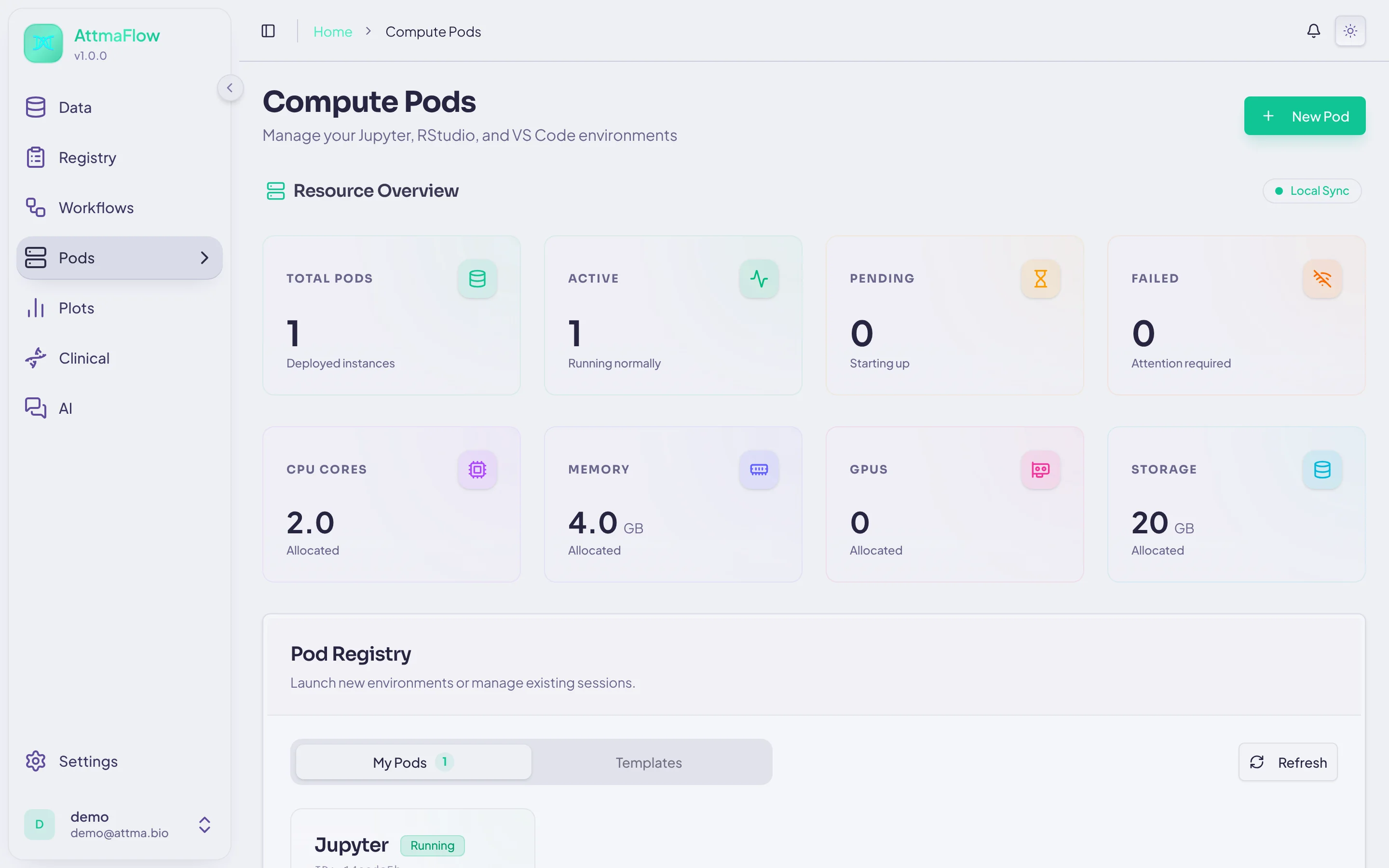
Attma Pods
Give exploratory work room to run.
Open a browser-based compute environment for an interactive analysis. Choose resources for the job, work in JupyterLab where enabled, and stop compute when you’re done.
app.attma.bio/pods
Choose resources for the job
Pick a CPU, memory, and storage configuration from the capacity available to your workspace.
Start where your analysis starts
Open JupyterLab from the running Pod where enabled and work through exploratory questions in the browser.
Reuse the setup and control run time
Keep a template of the resource settings and stop the Pod when the job finishes. Use scheduled stops where available.
Notebook types, capacity, and persistent storage depend on your deployment.
Example workflow
Set up a notebook for a dataset review
Size the environment
Choose CPU, memory, and storage from the options available to your workspace.
Open the notebook
Launch JupyterLab on a running Pod and bring in approved inputs.
Save and stop
Save your outputs, then stop the Pod or schedule a stop where available.
Save your work to an approved location and reuse the Pod configuration for the next session.